Recipe: discounting a few specific products for a week
Goal: 5% off a chosen set of products for one week, no coupon code needed.
Create a new discount and name it “Shear Bar Week”.
Set the Global Cart Conditions to a Date Range covering the week. The end date is inclusive, so August 1 to August 7 runs the full seven days.

Give the group a Discount Name, “5% off all Shear Bars”.
In Cart Conditions, add Line Items, then click OR and choose Quantity.
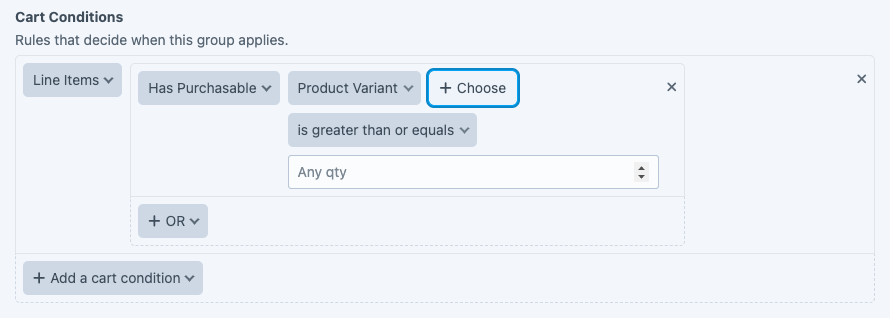
Click Choose and pick a product. You can also set a quantity, so the discount only applies once the customer has, say, 2 or more of that item in the cart.
Click OR and pick another product for each one you want to include.
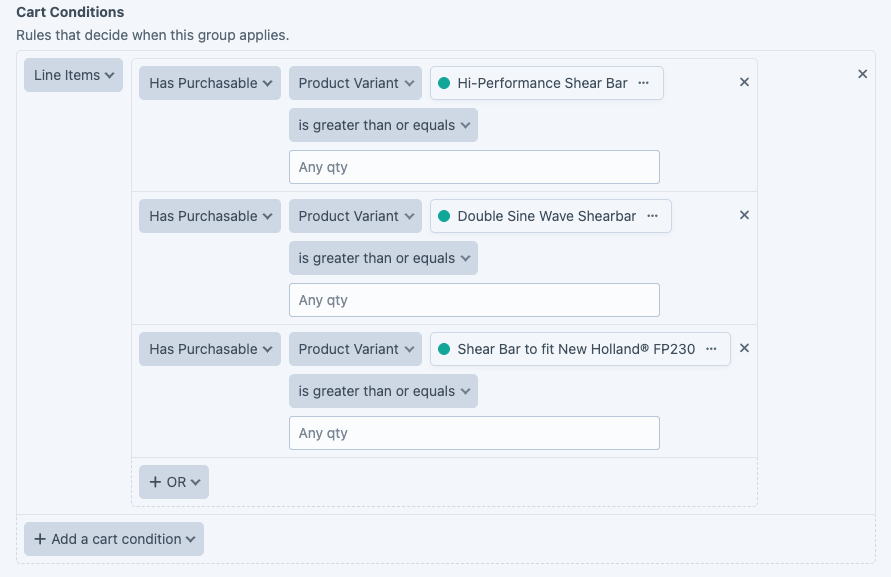
In Cart Actions, add Line Items, set Apply to to Same line items as cart conditions, choose Discount a percentage, and enter 5. That way the action follows whatever the conditions matched, and you do not name the same products twice.
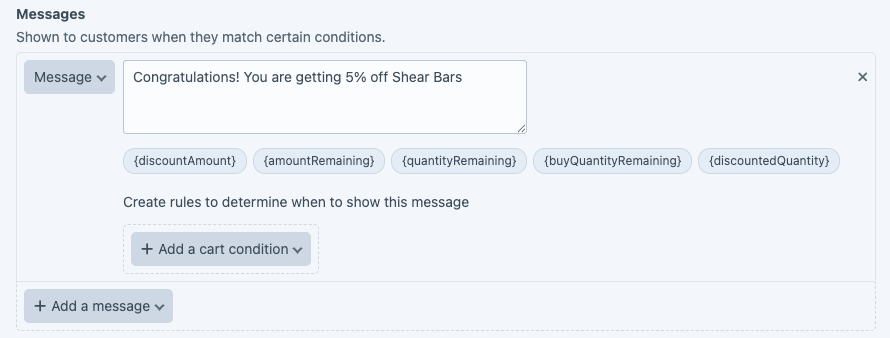
Add a Message so the customer sees the discount in the cart.
Where to go next#
- Cart Conditions, the full set of condition rules.
- Excluded Variants, why a selected product might not be discounted.