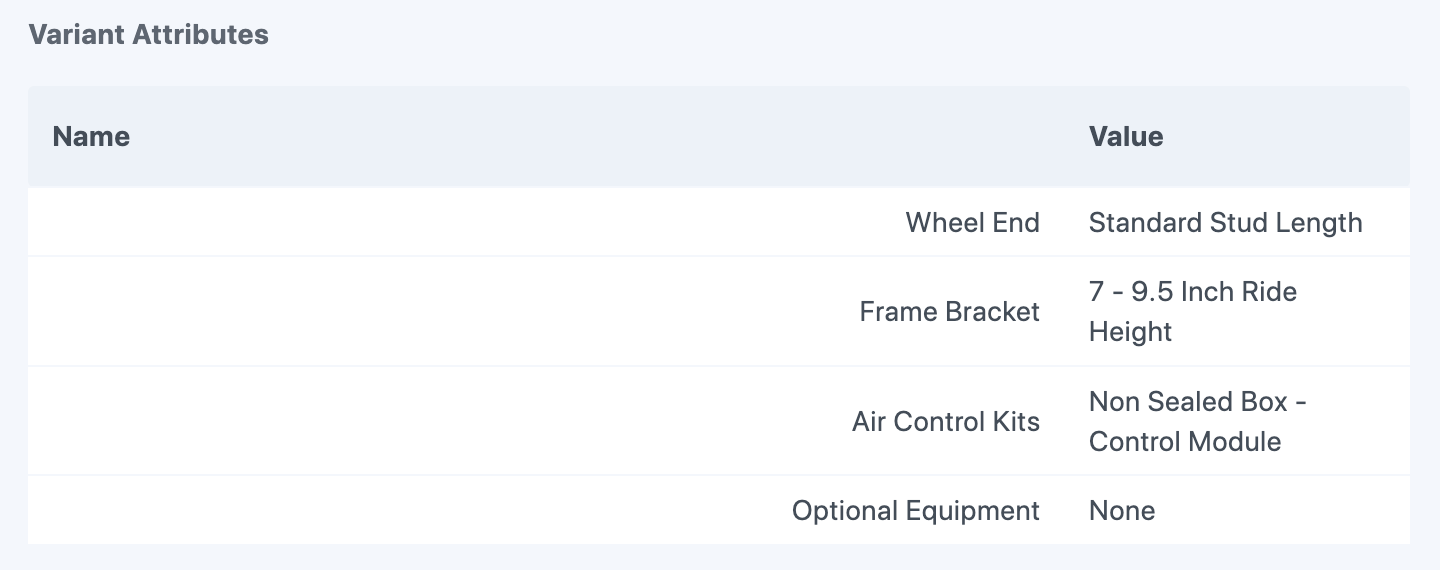
The Variant Attributes Field
Variant Manager provides a “Variant Attributes” custom field type you need to add to your Craft Commerce variant field layouts. This field is used by Variant Manager to save the variant attribute name and value pairs when imports occur, and can be used in your twig templates to allow users to filter variants based on a selection or select a variant based on the variants attribute values.
Add the Variant Attributes field to your product types variants#
In order for Variant Manager to import your variant data from your spreadsheets, and to use twig tags in your templates to filter and select variants, you will first need to add the “Variant Attributes” custom field included in Variant Manager to your product type variant field layouts.
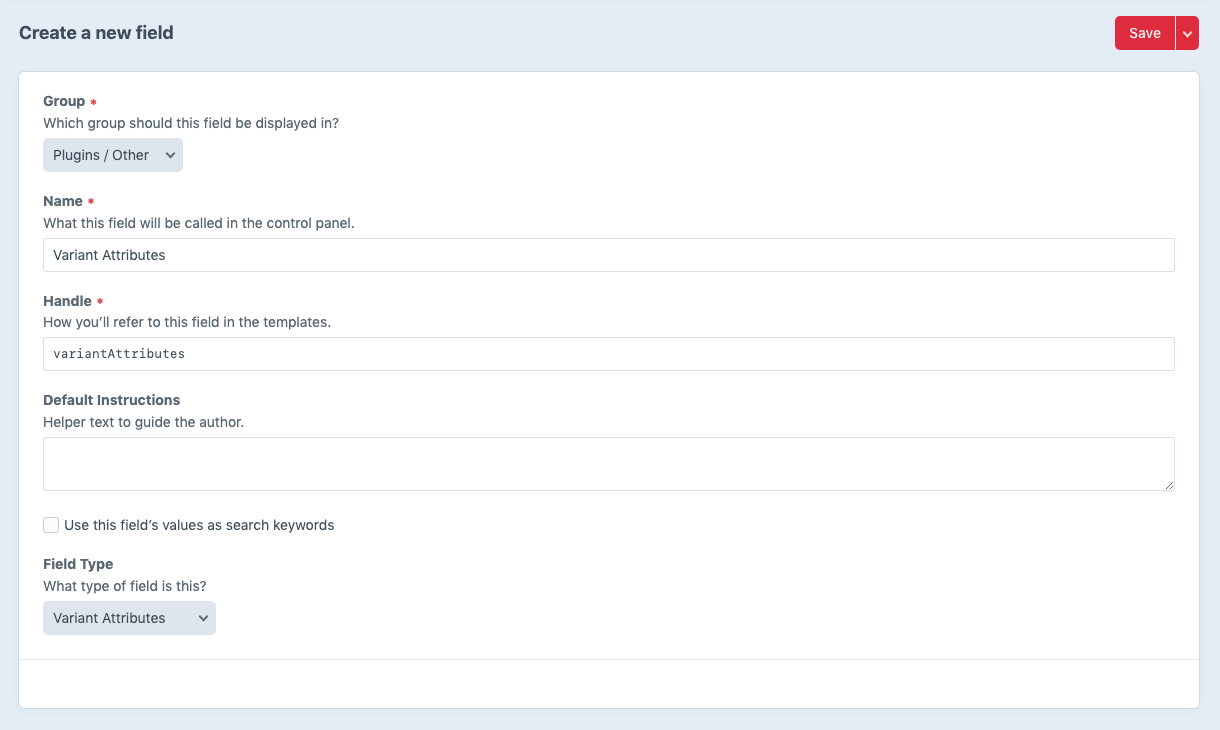
1. Create a “Variant Attributes” field in Craft#
Create a new custom field in Craft and select the “Variant Attributes” field type. The field type has no settings so you just need to give it a unique name and field handle. (ex. “Variant Attributes” and “variantAttributes” respectively)
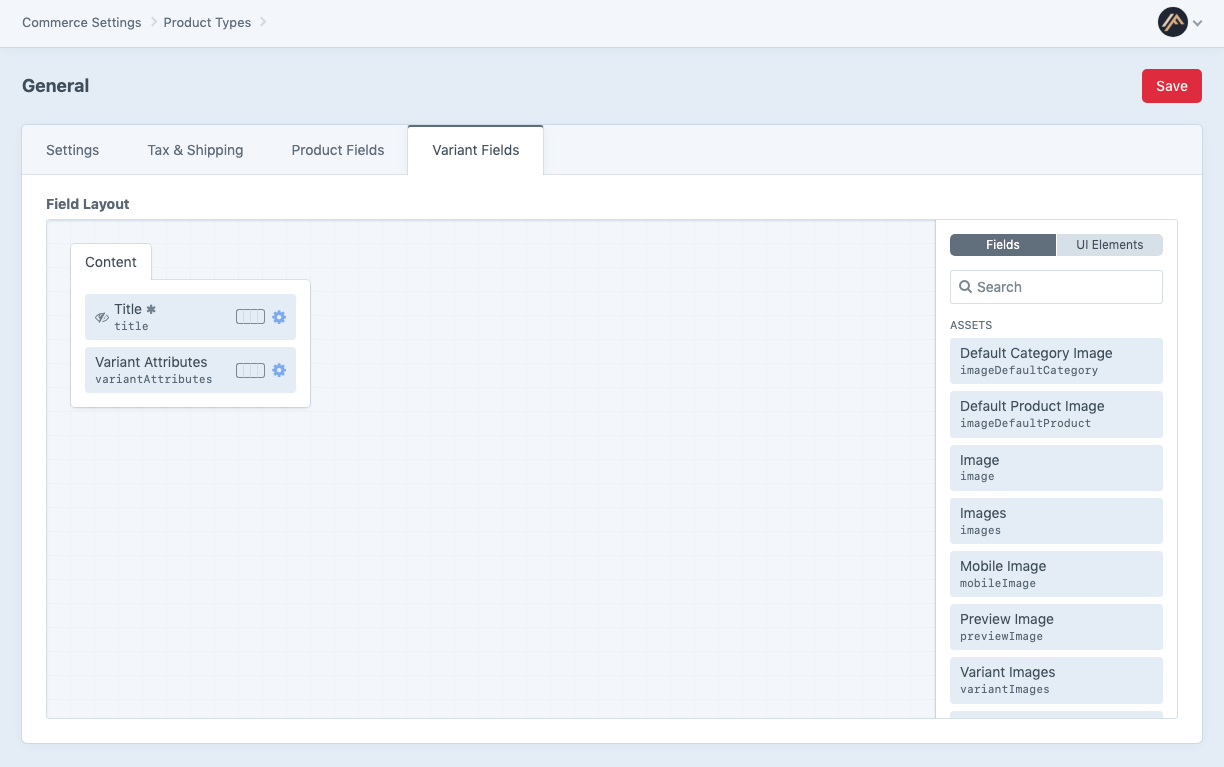
2. Assign it to your product types variant fields#
Now add the custom field you created to your product types variant field layouts for all of your product types that you want to be able to import and export, and use twig tags for in your templates to filter and select variants.